



Google Nest is a line of smart home devices designed to make your life more convenient, comfortable, and secure. With a range of products that work together seamlessly, Google Nest has become a popular choice for those looking to create a connected home. In this article, we’ll explore the various Google Nest devices available and how they can enhance your living space.
Google Nest Thermostat
The Google Nest Thermostat is a smart thermostat that learns your preferences and automatically adjusts the temperature in your home to keep you comfortable while saving energy. It can be controlled using your voice, phone, or the device itself, making it easy to adjust the temperature from anywhere. The Nest Thermostat also integrates with other Nest devices, such as the Nest Protect smoke and carbon monoxide detector, to keep your home safe and comfortable.
Google Nest Hub
The Google Nest Hub is a smart display that acts as the central hub for your connected home. With a 7-inch touchscreen display, the Nest Hub allows you to control your smart home devices, view your security camera feeds, and even watch videos or listen to music. The device also features Google Assistant, which can answer questions, set reminders, and control your smart home devices using voice commands.
Google Nest Mini
The Google Nest Mini is a compact smart speaker that brings Google Assistant to any room in your home. With powerful audio and a sleek design, the Nest Mini is perfect for playing music, getting answers to questions, and controlling your smart home devices hands-free. The device also features a built-in wall mount, making it easy to place in any room without taking up valuable counter space.
Google Nest Audio
For those looking for a more powerful audio experience, the Google Nest Audio is a smart speaker that delivers rich, room-filling sound. With a 75mm woofer and a 19mm tweeter, the Nest Audio provides clear highs and deep bass, making it perfect for listening to music or watching movies. The device also features Google Assistant and can be paired with other Nest Audio speakers for multi-room audio.
Google Nest Cam
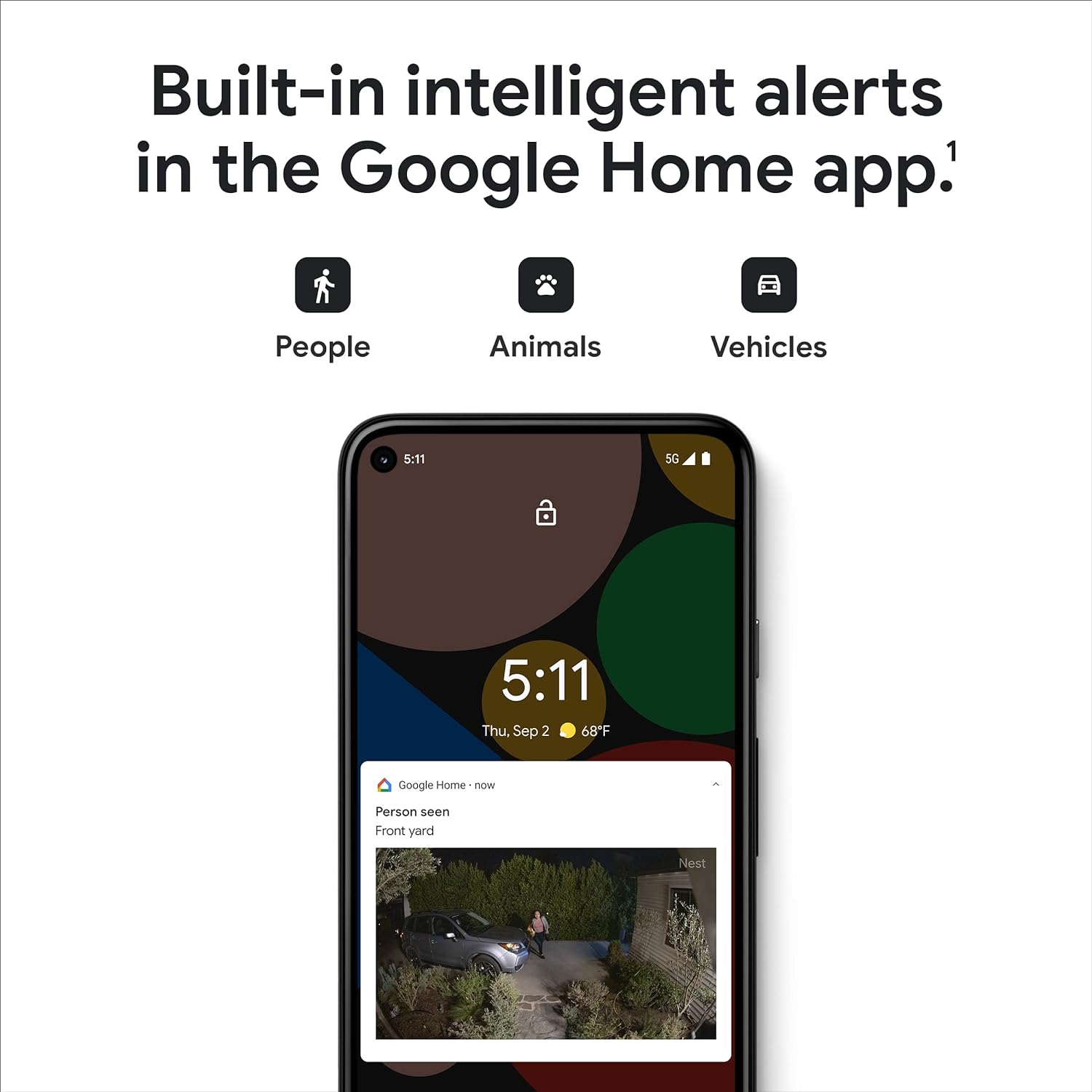
The Google Nest Cam is a smart security camera that allows you to monitor your home from anywhere using your phone or the Nest Hub. With 1080p HD video, night vision, and a wide-angle lens, the Nest Cam provides clear footage of your home, day or night. The device also features advanced motion and sound detection, sending alerts to your phone when activity is detected. With a Nest Aware subscription, you can also access advanced features like continuous video recording and facial recognition.
Google Nest Doorbell
The Google Nest Doorbell is a smart doorbell that allows you to see and speak to visitors at your doorstep, even when you’re not at home. With a built-in camera and microphone, the Nest Doorbell sends alerts to your phone when someone rings the bell or when motion is detected. You can then use the Nest app to see and speak to your visitor, or use pre-recorded messages to respond quickly. The device also integrates with other Nest products, allowing you to turn on lights or record video footage when motion is detected.
Google Nest Protect
The Google Nest Protect is a smart smoke and carbon monoxide detector that helps keep your home safe. With advanced sensors and voice alerts, the Nest Protect can detect smoke and carbon monoxide in your home and alert you with a clear, spoken message. The device also sends alerts to your phone, allowing you to quickly take action in the event of an emergency. With a built-in night light and self-testing capabilities, the Nest Protect provides peace of mind and convenience.
Google Nest Secure
For those looking for a more comprehensive security solution, the Google Nest Secure is a smart home security system that includes a range of devices to keep your home safe. The system includes the Nest Guard, a central hub that communicates with the other devices in the system, as well as the Nest Detect, a multi-purpose sensor that can detect motion, open/close events, and even the presence of a person. The system also includes the Nest Tag, a small device that allows you to arm and disarm the system without a passcode. With integrations with other Nest devices and the ability to be controlled using the Nest app or Google Assistant, the Nest Secure is a powerful and convenient way to protect your home.
Conclusion
Google Nest offers a wide range of smart home devices that can enhance your home’s comfort, convenience, and security. From smart thermostats and security cameras to smart speakers and displays, there’s a Nest device for every room in your home. And with seamless integrations between products and the ability to control your devices using your voice, phone, or the Nest app, creating a connected home has never been easier. Whether you’re looking to save energy, keep an eye on your home, or just make your life a little more convenient, Google Nest has a solution for you.
FAQs
Q: Do I need a Google account to use Google Nest devices?
A: Yes, you will need a Google account to set up and use your Nest devices. This allows you to control your devices using the Nest app or Google Assistant.
Q: Are Google Nest devices compatible with other smart home ecosystems?
A: While some Nest devices may work with other smart home ecosystems, such as Amazon Alexa or Apple HomeKit, compatibility varies by device. It’s best to check the specifications of each device before purchasing.
Q: How do I set up my Google Nest devices?
A: Setting up your Nest devices is easy using the Nest app. Simply download the app, create an account or sign in, and follow the on-screen instructions to add your devices.
Q: Can I control my Google Nest devices when I’m away from home?
A: Yes, you can control your Nest devices using the Nest app or Google Assistant, even when you’re away from home. This allows you to adjust the temperature, view security camera footage, and more, no matter where you are.
Q: How do I create routines or automations with my Google Nest devices?
A: You can create routines or automations using the Google Home app. This allows you to automate tasks like turning on lights or adjusting the temperature based on your schedule or other triggers.