




Samsung SmartThings is a comprehensive smart home ecosystem that allows users to control and automate various aspects of their home using a single platform. With a wide range of compatible devices, including sensors, lights, locks, and appliances, SmartThings offers a versatile and user-friendly solution for creating a connected and intelligent home environment.
Key Features of Samsung SmartThings
One of the main advantages of Samsung SmartThings is its compatibility with a vast array of devices from different manufacturers. This allows users to mix and match products to create a customized smart home setup that suits their specific needs and preferences. Some of the key features of the SmartThings ecosystem include:
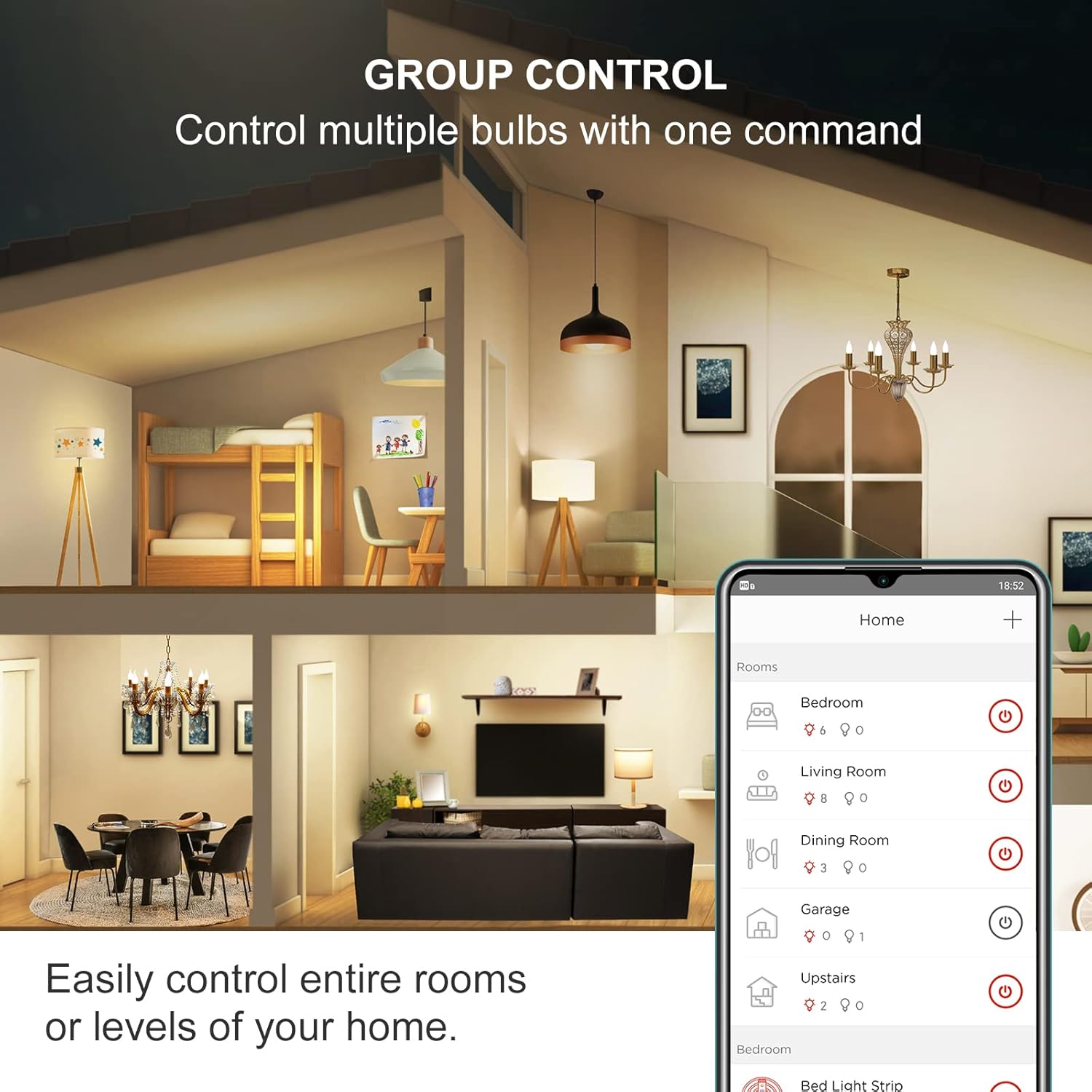
- Centralized control: The SmartThings app serves as the central hub for controlling all connected devices, making it easy to manage your smart home from a single interface.
- Automation: Users can create custom automation routines that trigger specific actions based on various conditions, such as time of day, device status, or user location.
- Voice control: SmartThings integrates with popular voice assistants like Amazon Alexa and Google Assistant, allowing users to control their devices using voice commands.
- Security: With compatible sensors and cameras, SmartThings can help enhance home security by monitoring for potential threats and sending alerts to the user’s smartphone.
- Energy management: By connecting smart thermostats, lights, and appliances, users can optimize their energy consumption and reduce utility costs.
Setting Up Samsung SmartThings
To get started with Samsung SmartThings, users need to purchase a SmartThings Hub, which acts as the central controller for all connected devices. The hub communicates with devices using various protocols, including Zigbee, Z-Wave, and Wi-Fi, ensuring compatibility with a wide range of products.
Once the hub is set up, users can start adding devices to their SmartThings ecosystem. This process typically involves putting the device in pairing mode and then using the SmartThings app to discover and connect the device to the hub. The app guides users through the setup process, making it relatively simple to add new devices to the system.
Popular SmartThings Compatible Devices
There are numerous devices that work with Samsung SmartThings, covering various aspects of the smart home. Some popular categories include:
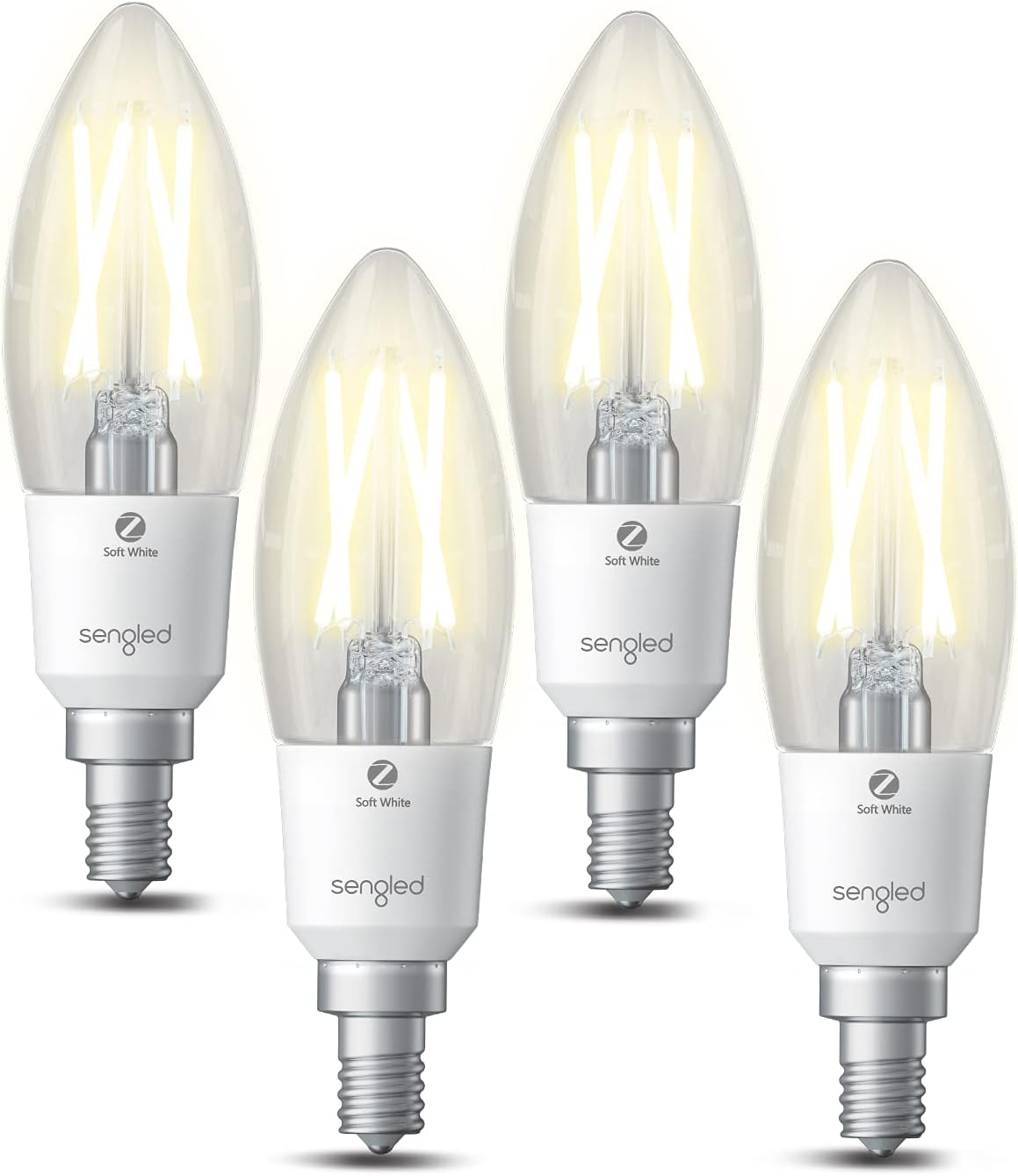
- Lighting: Smart bulbs, switches, and dimmers from brands like Philips Hue, LIFX, and Leviton allow users to control their lighting remotely and create custom lighting scenes.
- Security: Smart locks, door and window sensors, and security cameras from companies like Schlage, Yale, and Arlo help users monitor and protect their homes.
- Climate control: Smart thermostats from brands like Ecobee and Honeywell enable users to control their heating and cooling systems remotely and create energy-saving schedules.
- Appliances: Samsung’s own line of smart appliances, as well as compatible products from other manufacturers, allow users to control and monitor their appliances using the SmartThings app.
Creating Automation Routines
One of the most powerful features of Samsung SmartThings is the ability to create custom automation routines. These routines can be triggered by various events, such as:
- A specific time of day
- The status of a connected device (e.g., a door sensor being triggered)
- The user’s location (e.g., when they leave or arrive home)
For example, a user could create a “Good Morning” routine that automatically turns on the lights, adjusts the thermostat, and starts brewing coffee when they wake up. Similarly, a “Goodbye” routine could lock the doors, turn off the lights, and adjust the thermostat when the user leaves for work.
Conclusion
Samsung SmartThings offers a comprehensive and user-friendly solution for creating a connected and intelligent home environment. With its wide compatibility, centralized control, and powerful automation features, SmartThings makes it easy for users to customize their smart home setup to suit their specific needs and preferences. As the smart home market continues to grow, Samsung SmartThings is well-positioned to remain a leading platform for connecting and controlling the various aspects of the modern home.
FAQs
Q: Do I need a SmartThings Hub to use Samsung SmartThings?
A: Yes, a SmartThings Hub is required to connect and control most SmartThings-compatible devices. However, some newer Samsung smart appliances may work directly with the SmartThings app without the need for a separate hub.
Q: Can I use Samsung SmartThings with devices from other manufacturers?
A: Yes, Samsung SmartThings is compatible with a wide range of devices from various manufacturers, making it easy to create a customized smart home setup that includes products from different brands.
Q: Is Samsung SmartThings compatible with voice assistants like Amazon Alexa and Google Assistant?
A: Yes, SmartThings integrates with both Amazon Alexa and Google Assistant, allowing users to control their connected devices using voice commands.
Q: Can I access my SmartThings devices remotely?
A: Yes, the SmartThings app allows users to control their connected devices remotely, as long as they have an internet connection. This means you can monitor and control your smart home from anywhere, whether you’re at work or on vacation.
Q: How secure is the Samsung SmartThings platform?
A: Samsung takes security seriously and employs various measures to protect user data and prevent unauthorized access to connected devices. However, as with any connected system, it’s essential for users to follow best practices, such as using strong passwords and keeping their devices’ firmware up to date, to maintain a secure smart home environment.